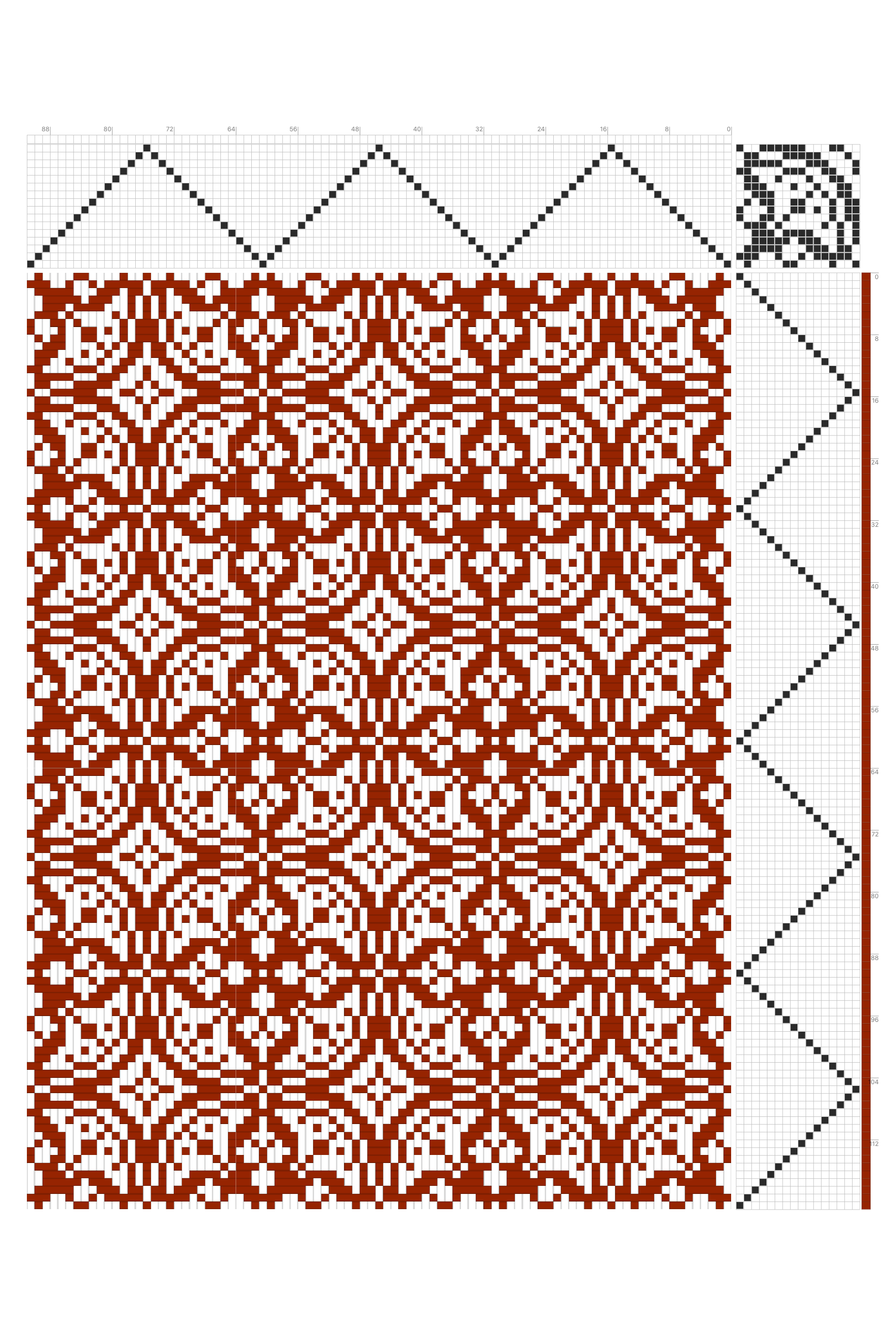
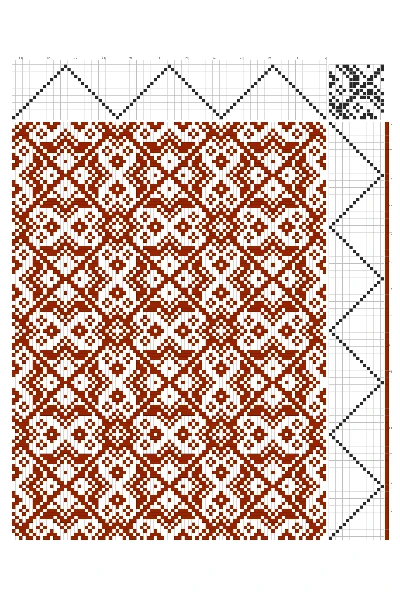
Cathedral Rosette Quatrefoil Weaving Draft in Rust & White
Edit this weaving draft in Bower, our flagship weaving software that runs on all platforms — even the browser. Design weaving drafts with tieup and liftplan modes, import and export WIF files, and explore pattern structures visually. Bower is built for all your handweaving needs.
Free License — Personal & Commercial Use
This gallery asset is free to use in personal and commercial projects. No attribution required, no royalties, and no sign-up.
You may adapt the files to suit your workflow, output method, or production setup. When a source project file is attached, you can open it directly in the appropriate Asunder app to explore or modify it.
You may not resell or redistribute the original download as a standalone digital asset, and you may not claim authorship of the original design.
Frequently Asked Questions
Can I use these downloads commercially?
Yes. Gallery downloads on this page are free for personal and commercial use. You can use them in finished products, client work, and production workflows.
Do I need to credit Asunder when using an asset?
No. Attribution is not required. You are free to use these assets in your projects without crediting Asunder.
Can I modify the files?
Yes. You can modify colors, scale, layout, and construction details to fit your project. Source project files can be opened directly in the appropriate Asunder app when attached.
Are there any restrictions on how I use the downloads?
You may not resell or redistribute the original file as a standalone digital asset, and you may not claim authorship of the original design.
What formats are available?
The download buttons on each gallery item show the exact files attached to that asset. Depending on the item, this may include PNG, SVG, and a source project file.
How are these gallery assets made?
Gallery assets are created by the Asunder team using our editor tools and production workflows. When a source project is attached, you can open it directly in the appropriate Asunder app to inspect or modify it.