MarkMaker
Professional digital painting in your browser
MarkMaker is our flagship, fully-featured drawing application. Built from the ground up for artists who demand professional tools without the hassle of downloads or subscriptions. It launches fast, stays responsive, and gives you a focused workspace where ideas can move from sketch to finished piece without friction.
Whether you're a digital art veteran or just starting out, MarkMaker provides the tools you need to bring your creative vision to life. Import your favorite brushes, work with layers, and export your work in multiple formats. The result is a workflow that feels familiar for pros and approachable for first-time creators.
Browser-Based
No downloads, no installations. Open your browser and start creating immediately.
Brush Import
Import your existing Photoshop brushes (.abr) and keep your creative workflow.
Cloud Storage
Save your projects to the cloud and access them from any device.
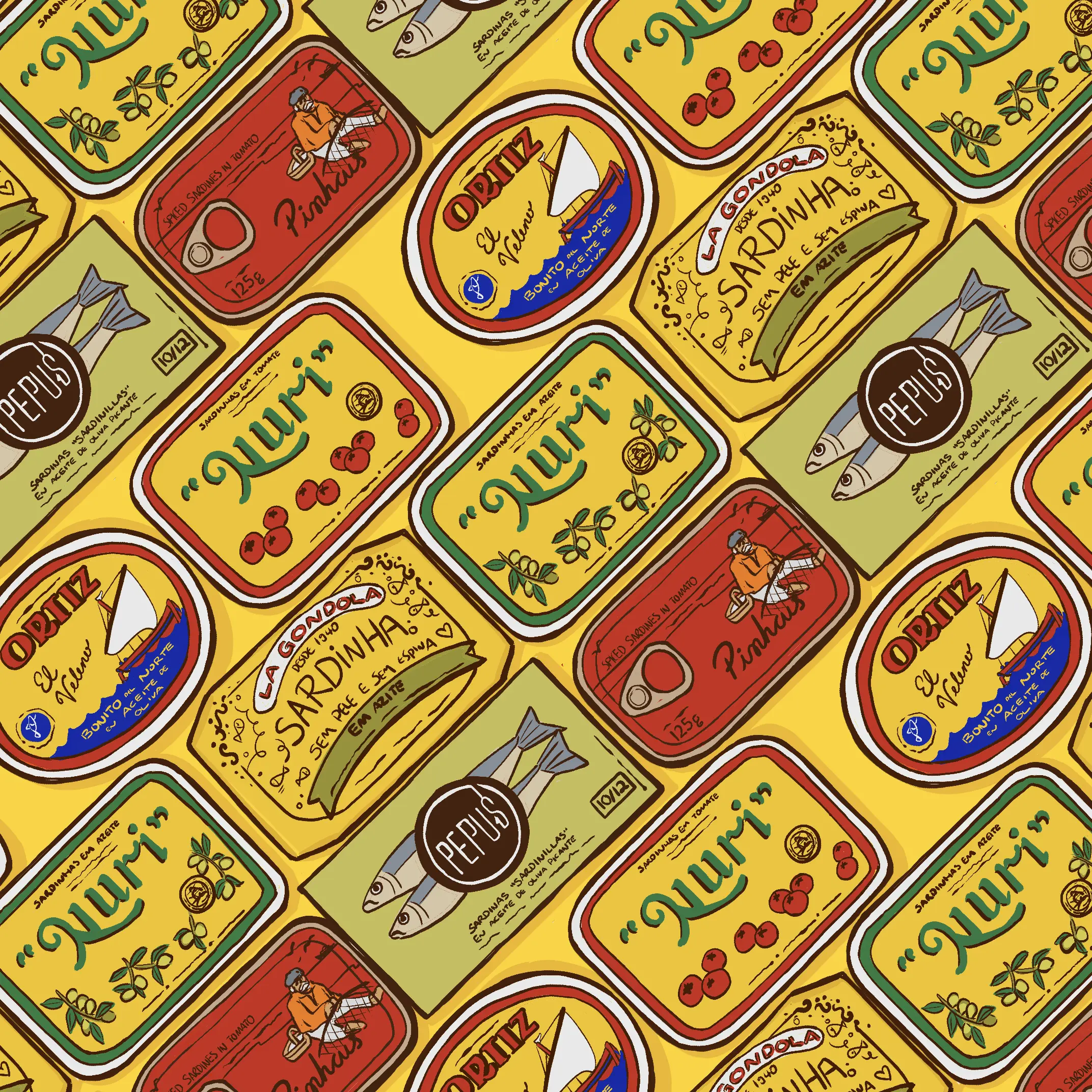
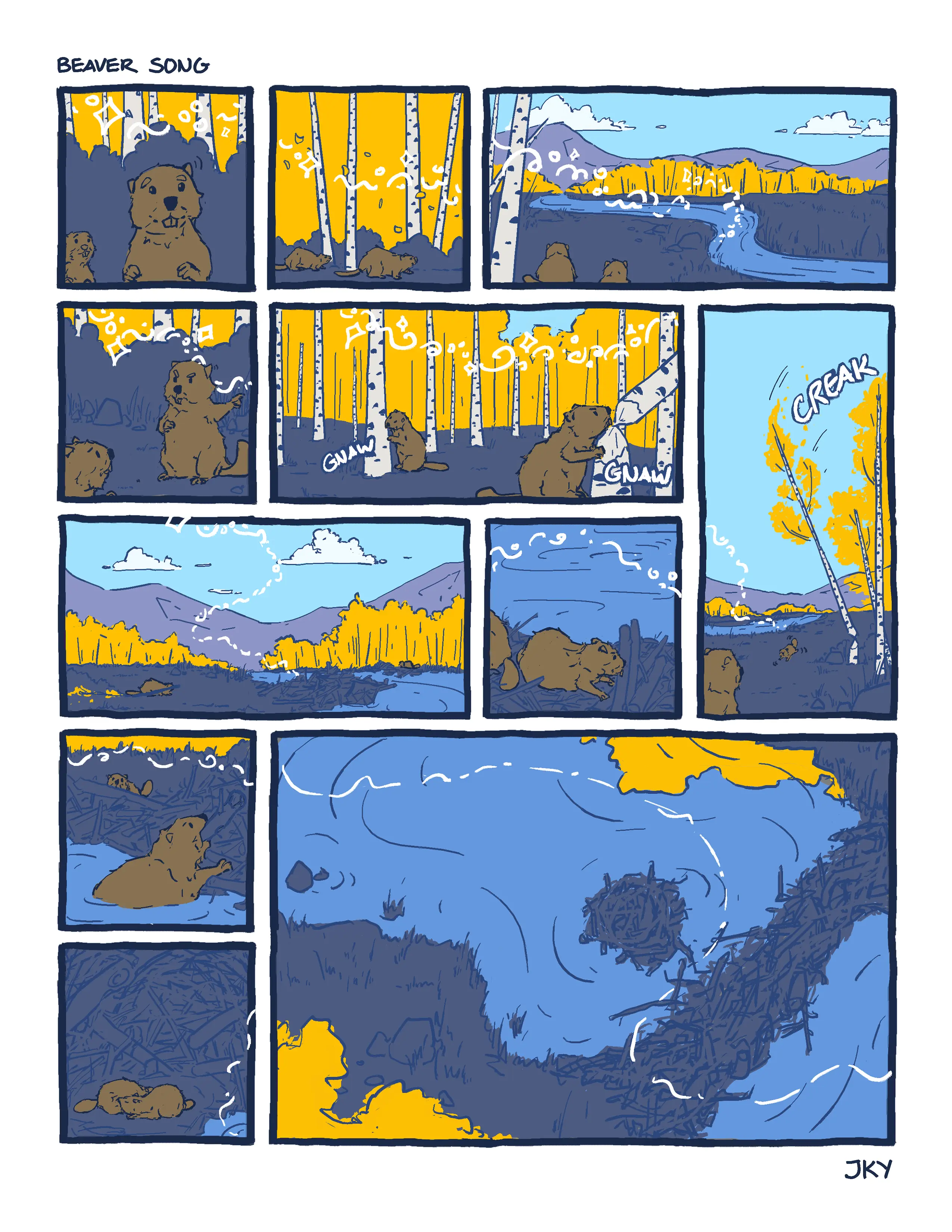
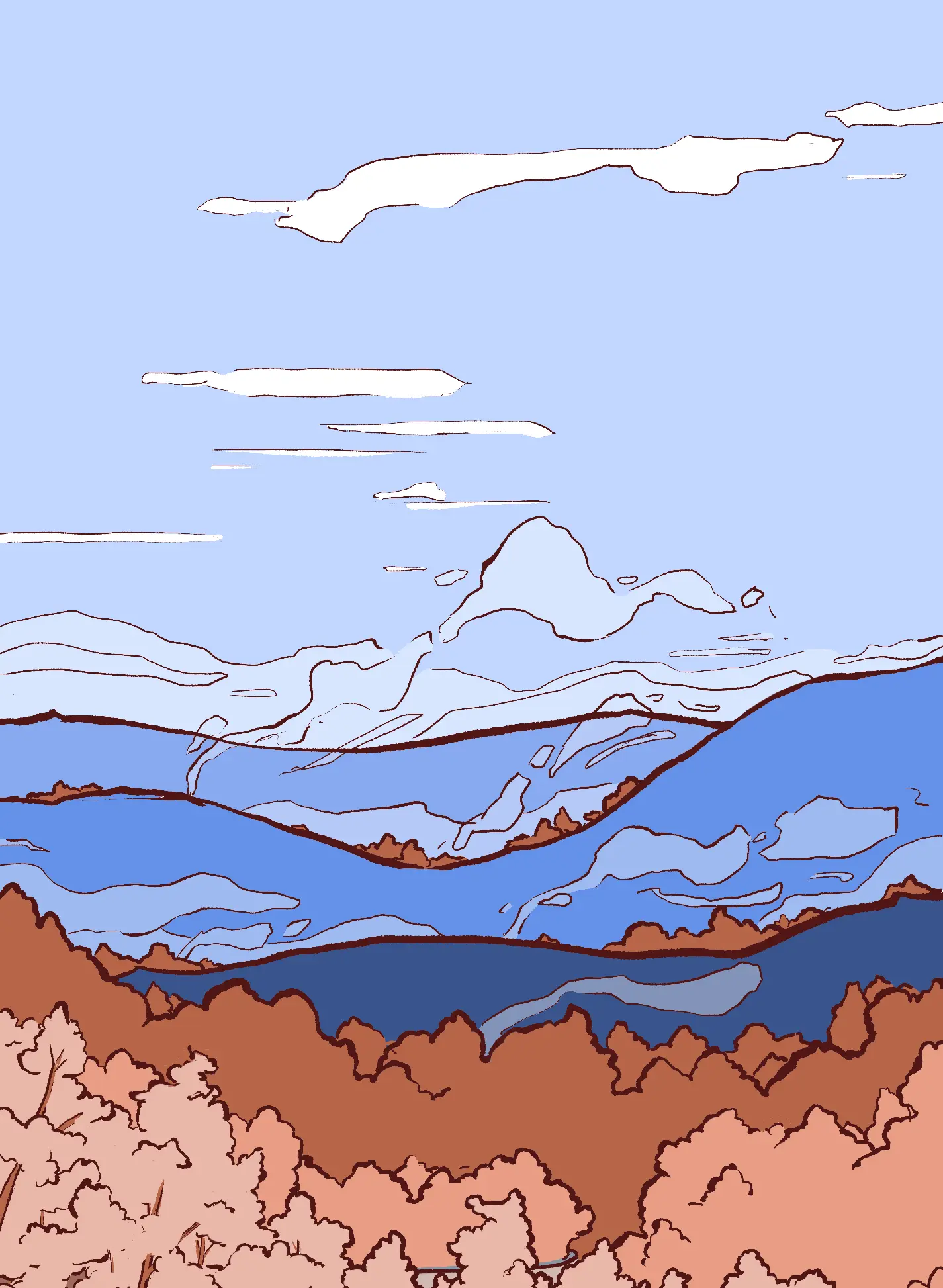
From quick studies to fully rendered illustrations, artists use MarkMaker for a wide range of styles and mediums. The gallery below shows the variety of work you can produce with the same core toolset.



Frequently Asked Questions
What is a good free drawing software?
MarkMaker is a strong free drawing software choice if you want professional painting tools in a browser. It is built for serious art workflows while still being easy to start.
Is MarkMaker free to use?
Yes. You can use MarkMaker for free. Signed-in users can save to cloud with the current account limits.
Do I need to download anything to use MarkMaker?
No. MarkMaker is fully browser-based, so you can open it online and start drawing immediately.
Can I import Photoshop brushes into MarkMaker?
Yes. MarkMaker supports Photoshop .abr brush import, so you can reuse your existing brush sets instead of rebuilding them from scratch.
Can I save projects to the cloud and continue on another device?
Yes. Signed-in users can save projects to MarkMaker cloud storage and continue on another device later.
What makes MarkMaker different from many free drawing apps?
MarkMaker combines no-install browser access with production-focused features like layers and ABR brush import. That makes it useful for both quick starts and more advanced digital painting workflows.
Who is MarkMaker for?
MarkMaker is for both beginners and experienced digital artists. New users can start quickly, while advanced users can bring existing brush libraries and more structured workflows.
Are there account tiers right now?
Not right now. Accounts currently follow one shared set of cloud storage limits.